
Box Of Synths manual
Every screen, control, setting and message in Box Of Synths, explained.
Box Of Synths is a synthesizer you talk to. You describe a sound in words, the app designs it, and every part of the result is yours to play, shape and save. This manual shows every screen, control, setting and message, on pictures of the real app.
- Click the picturesEvery numbered part of the app explains itself.
- SearchPress / and type a control or a message.
- Follow a walkthroughStep by step, with each control lit up.
Start here
Install and first run
What the installers put on your computer, how to remove them, the cards you meet the first time you open the app, and how to find and update Box Of Synths.
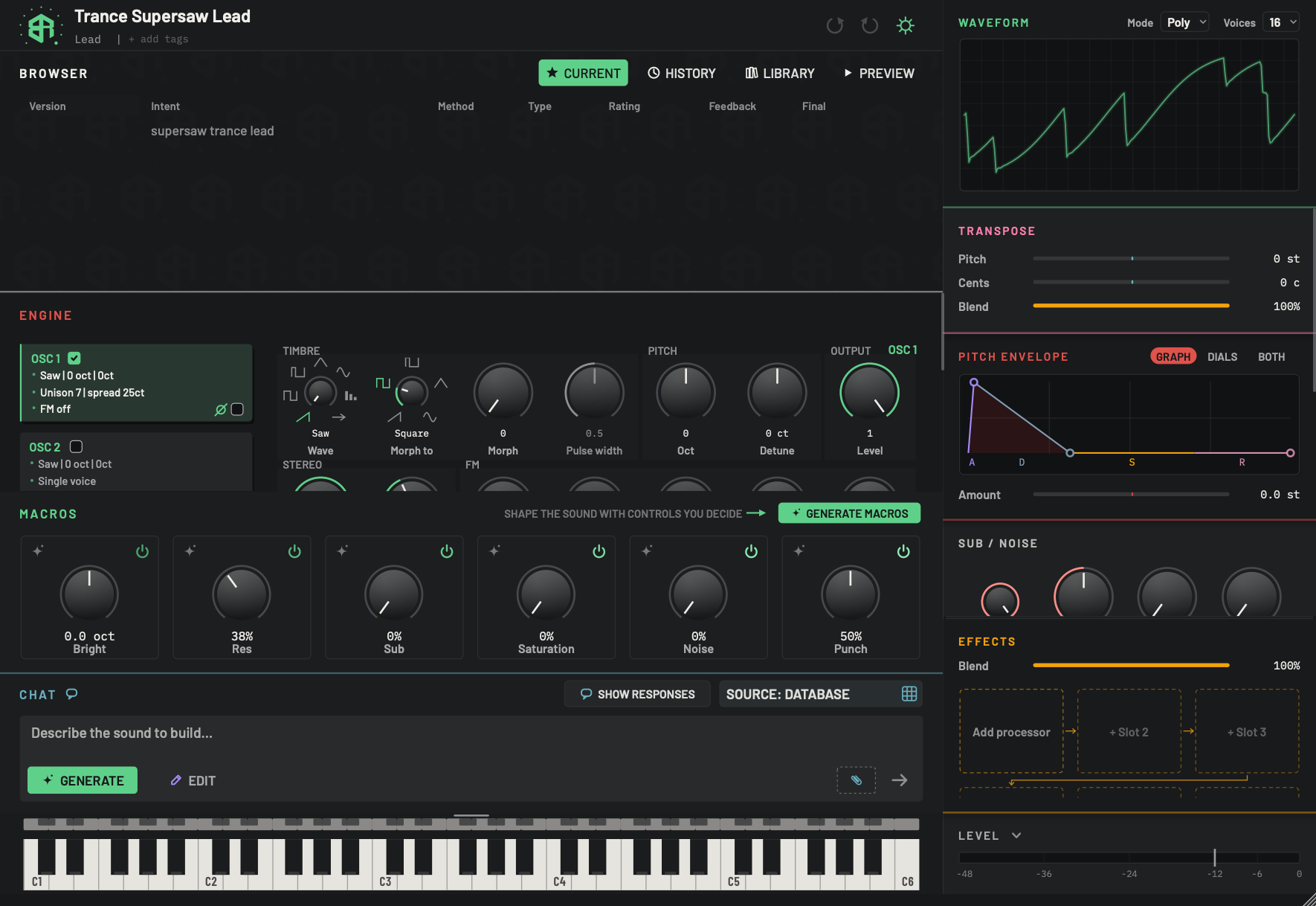 The screen at a glance
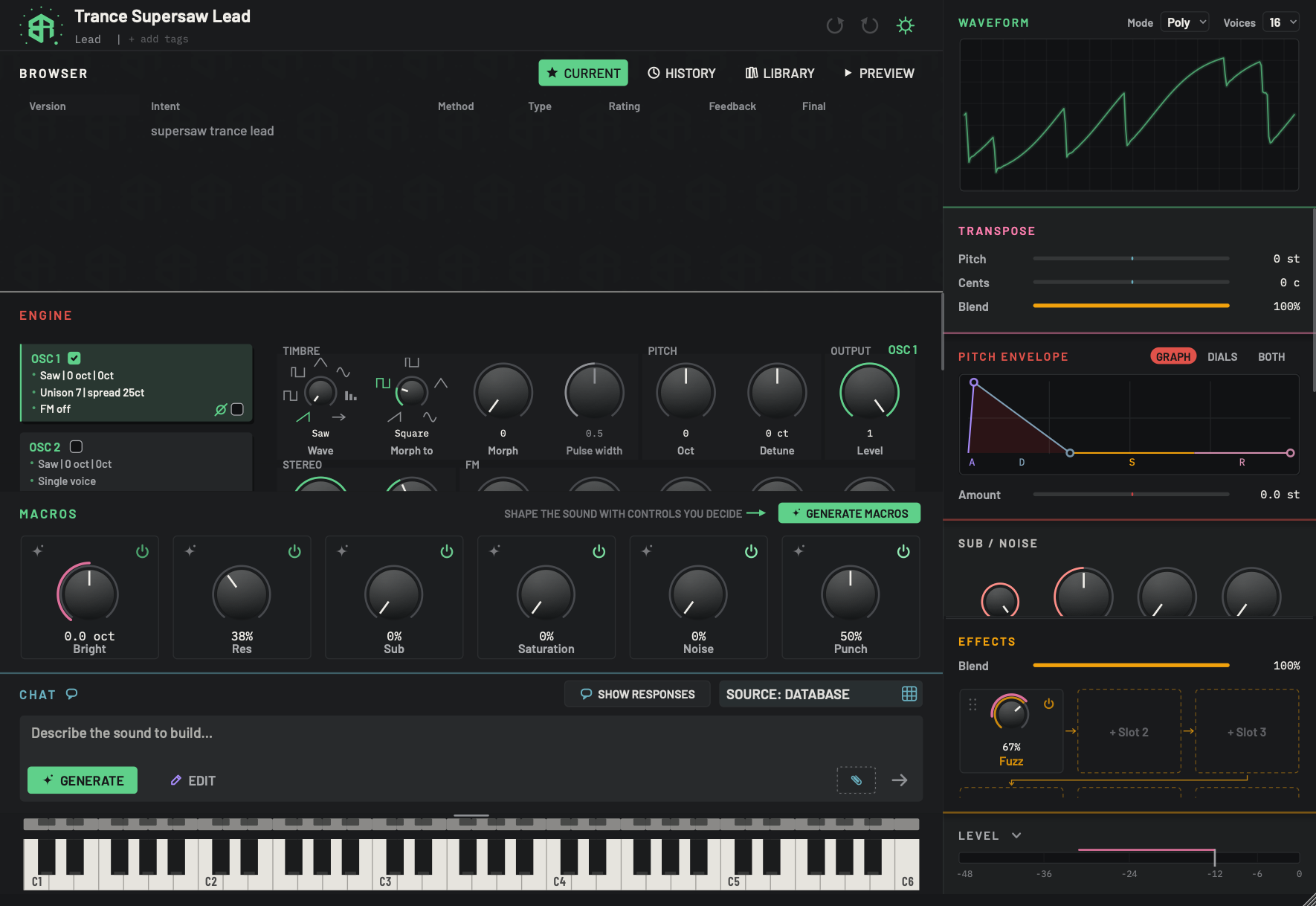
A tour of the main window, block by block, with a link to the page for each one.
Your first sound
A guided first session: describe a sound, play it, turn a macro, ask for a change and find your versions.
 Starting a new sound
The start screen: describe a sound, draw a wave, load a sound file or throw the dice with Raw dog it.
The screen at a glance
A tour of the main window, block by block, with a link to the page for each one.
Your first sound
A guided first session: describe a sound, play it, turn a macro, ask for a change and find your versions.
Starting a new sound
The start screen: describe a sound, draw a wave, load a sound file or throw the dice with Raw dog it.
Designing sounds
The chat and the composer
How to write a request, choose Generate or Edit, attach context, pick a source and read what the app says back.
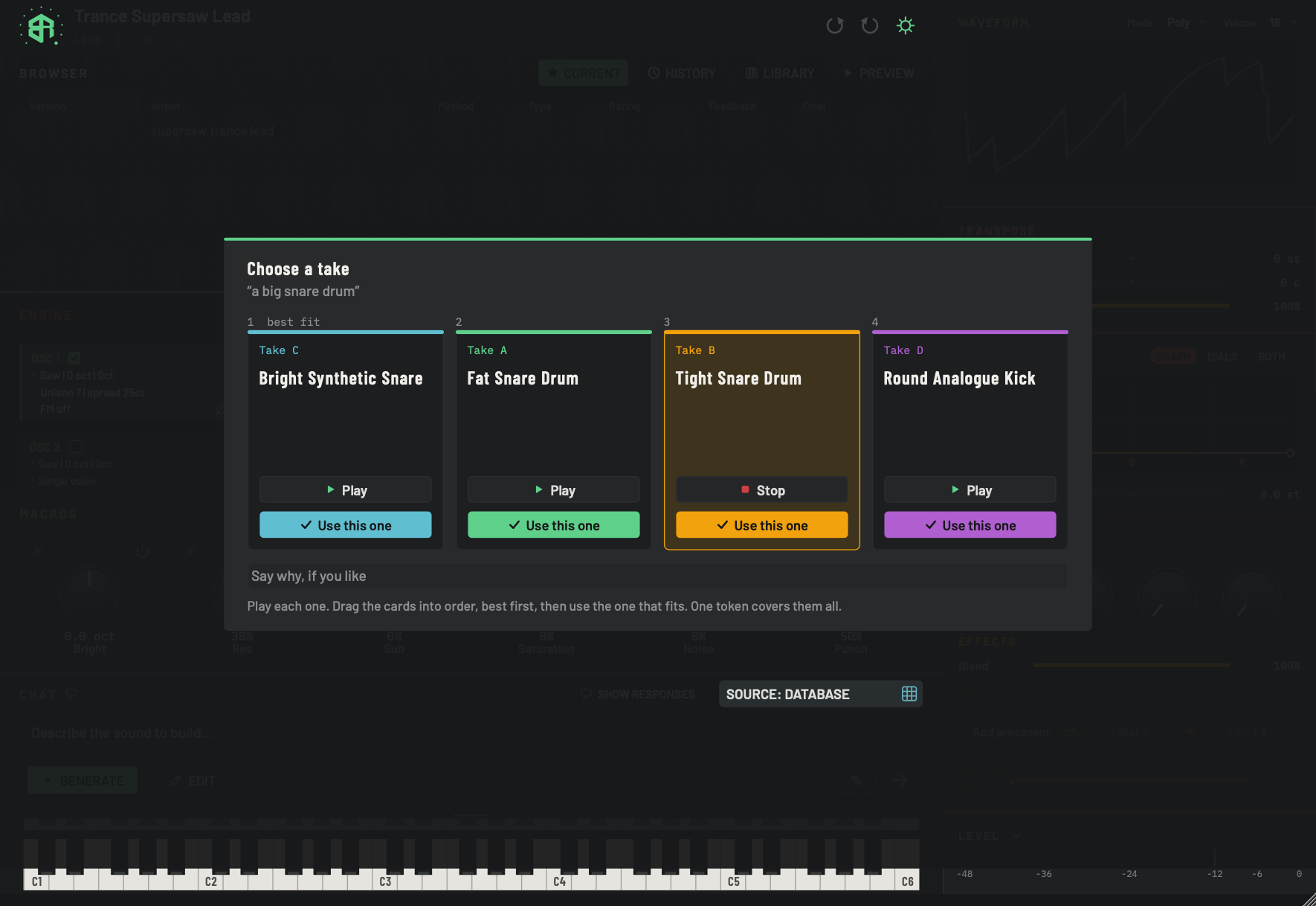 Takes: choosing between versions of a new sound
When a new sound comes back as several takes, how to play them, put them in order and choose the one that goes on the synth.
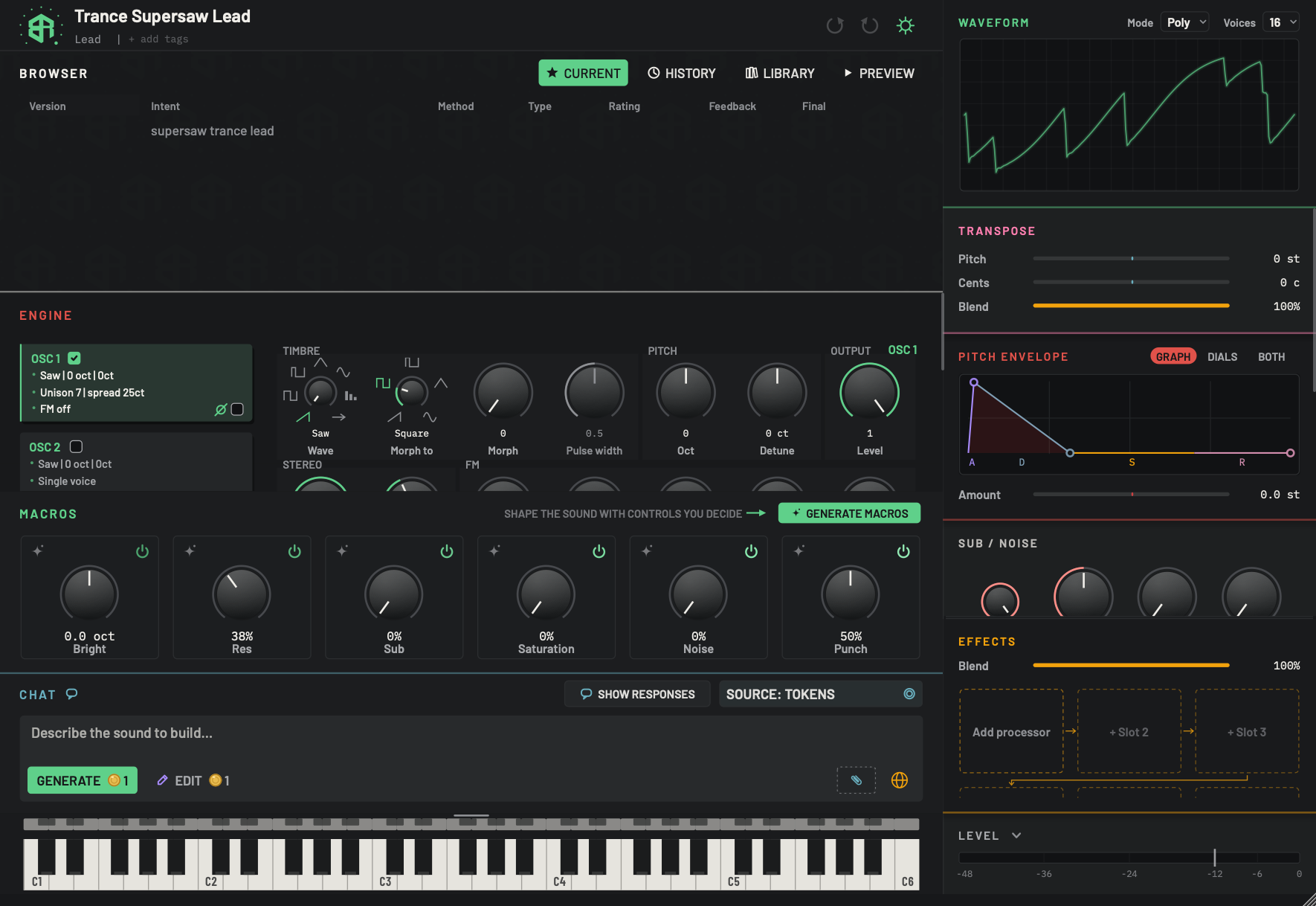 Sources, tokens and what a design costs
Who can design your sounds, what each source costs, how tokens work and what happens when they run out.
The browser
The header
The strip across the top of the window, where you start a new sound, rename it, set its family and tags, undo and redo, and open Settings.
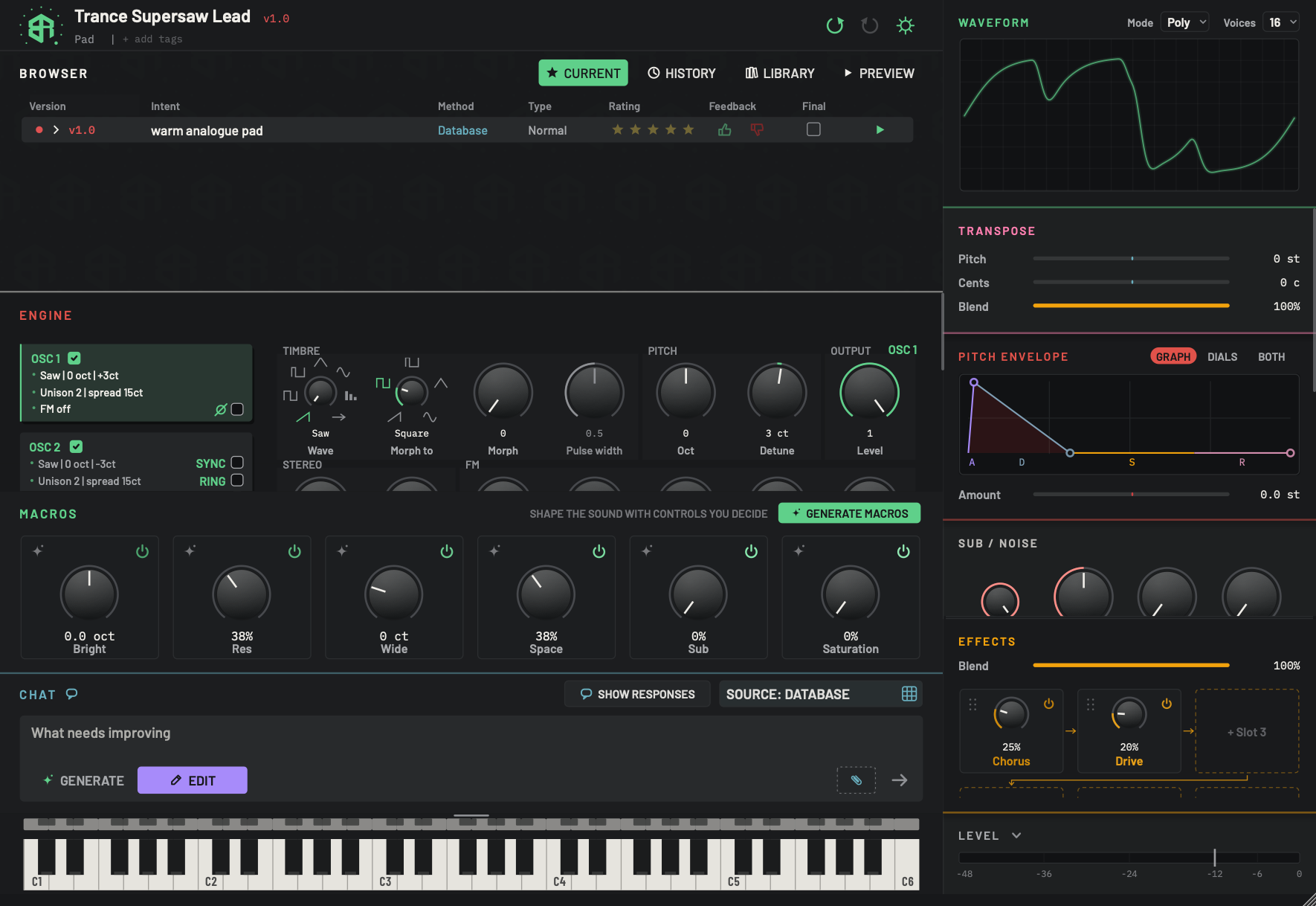 Browser: Current
The versions of the sound on screen. See how each was made, and hear, load, rate, mark and tidy them.
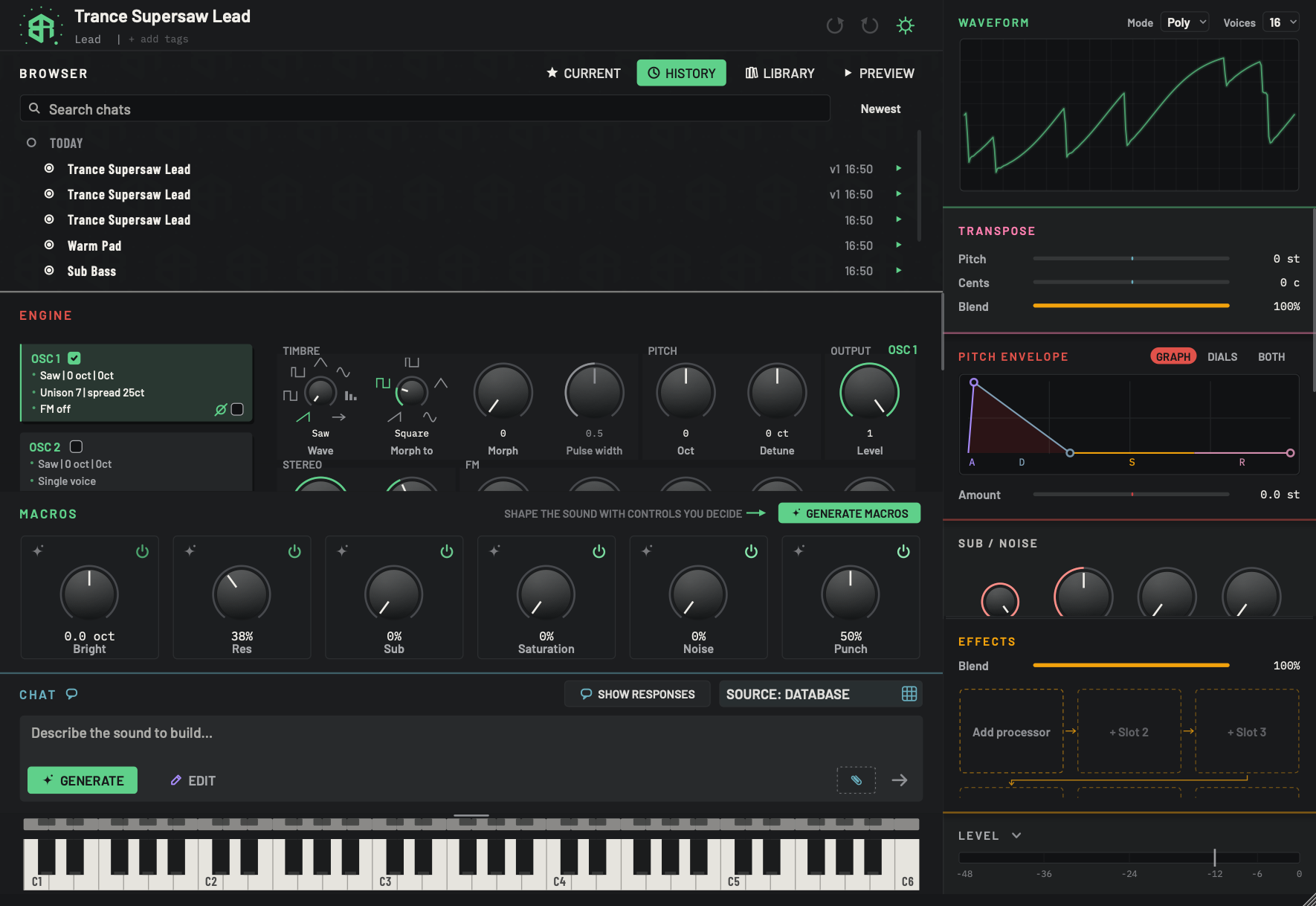 Browser: History
Your chats are saved as you design. Search them, sort them, hear them, reopen one, rename it or delete it.
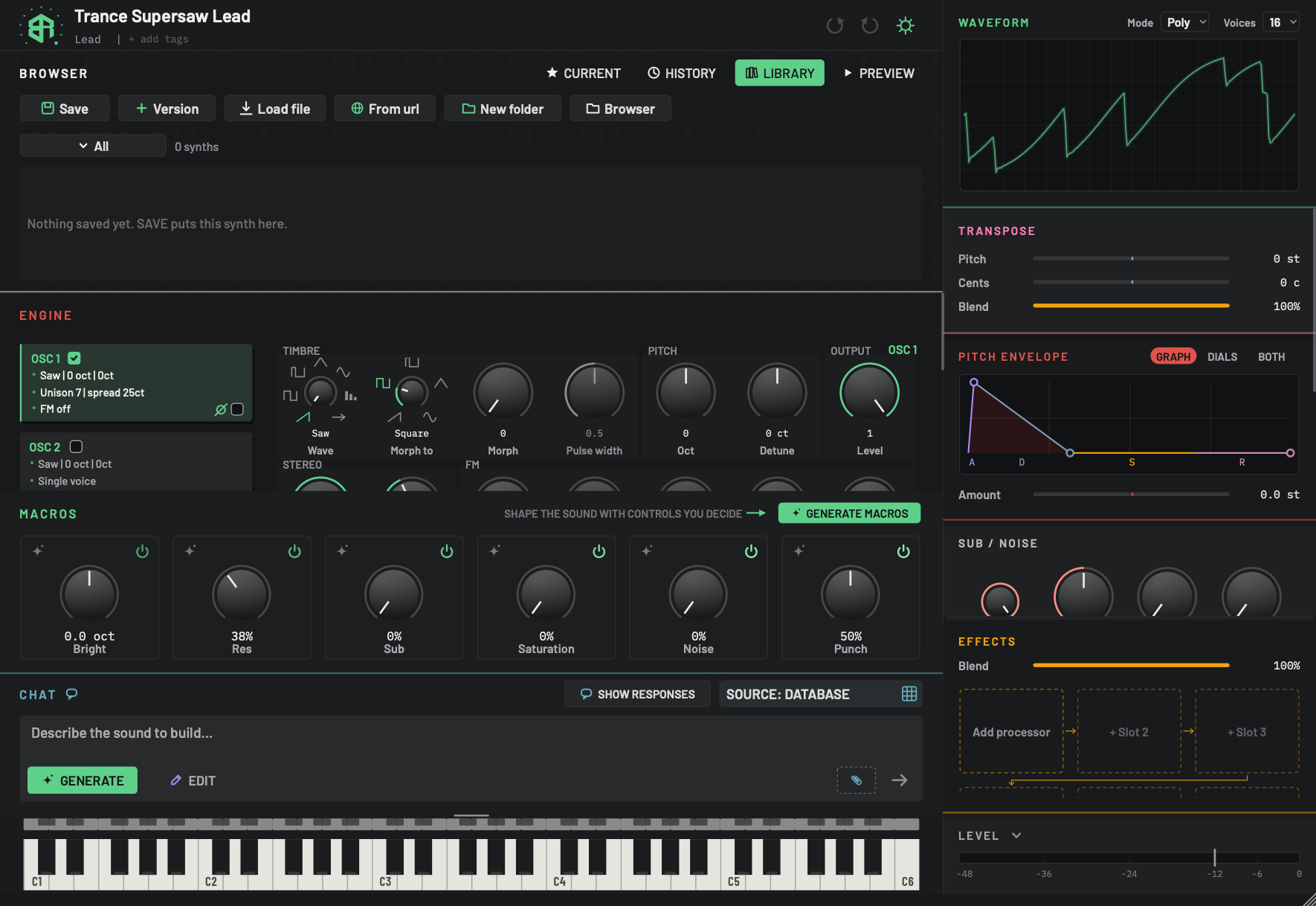 Browser: Library
The synths you chose to keep. Save one, stamp a version, load from a file or a web address, use folders and filter the list.
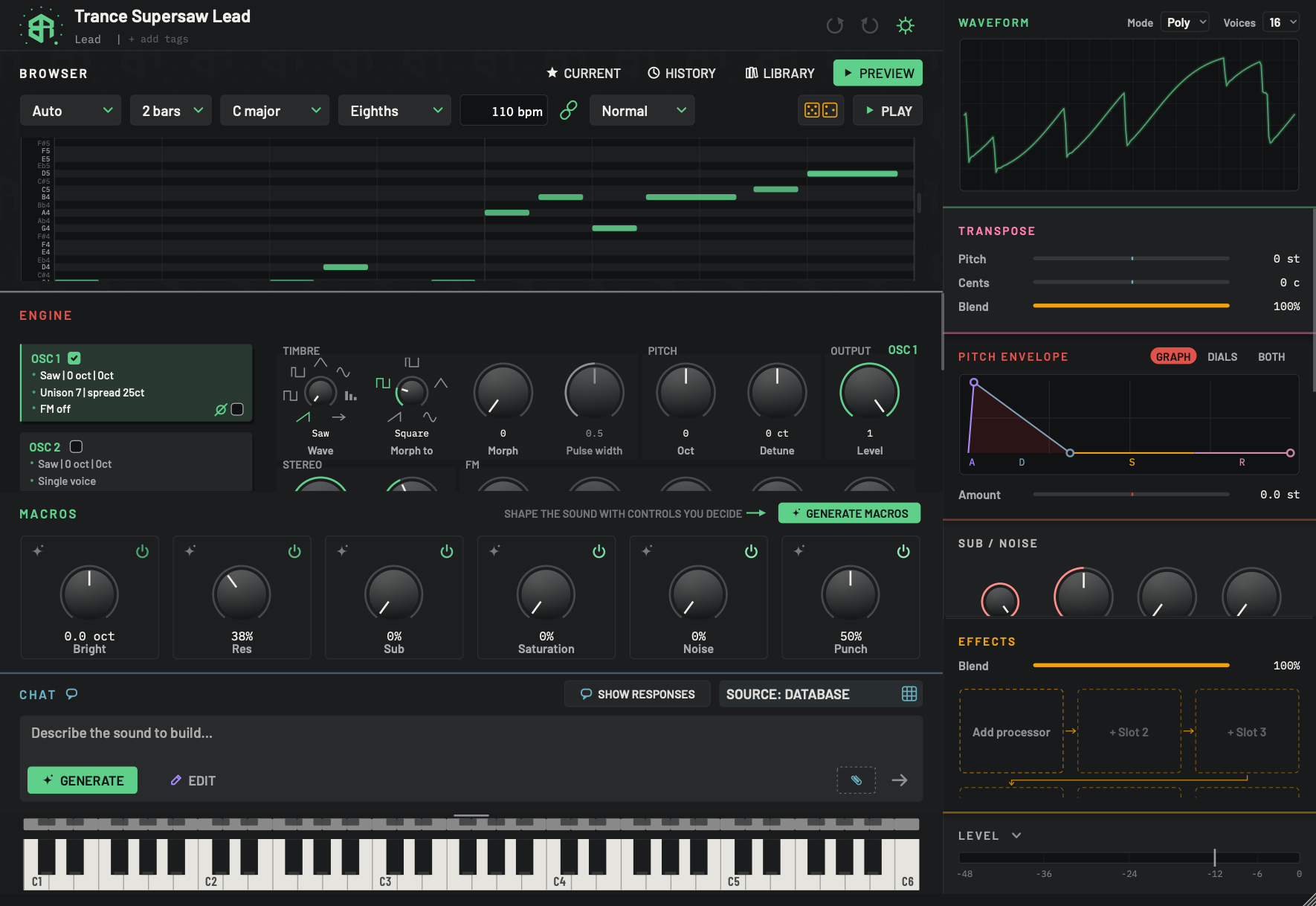 Browser: Preview
Hear the sound as a short pattern without playing a key, and set the style, key, speed and feel of that pattern.
The keyboard
Play the sound with the mouse or your computer keys, set how hard a note is played, and save any note as a sound file.
The synth
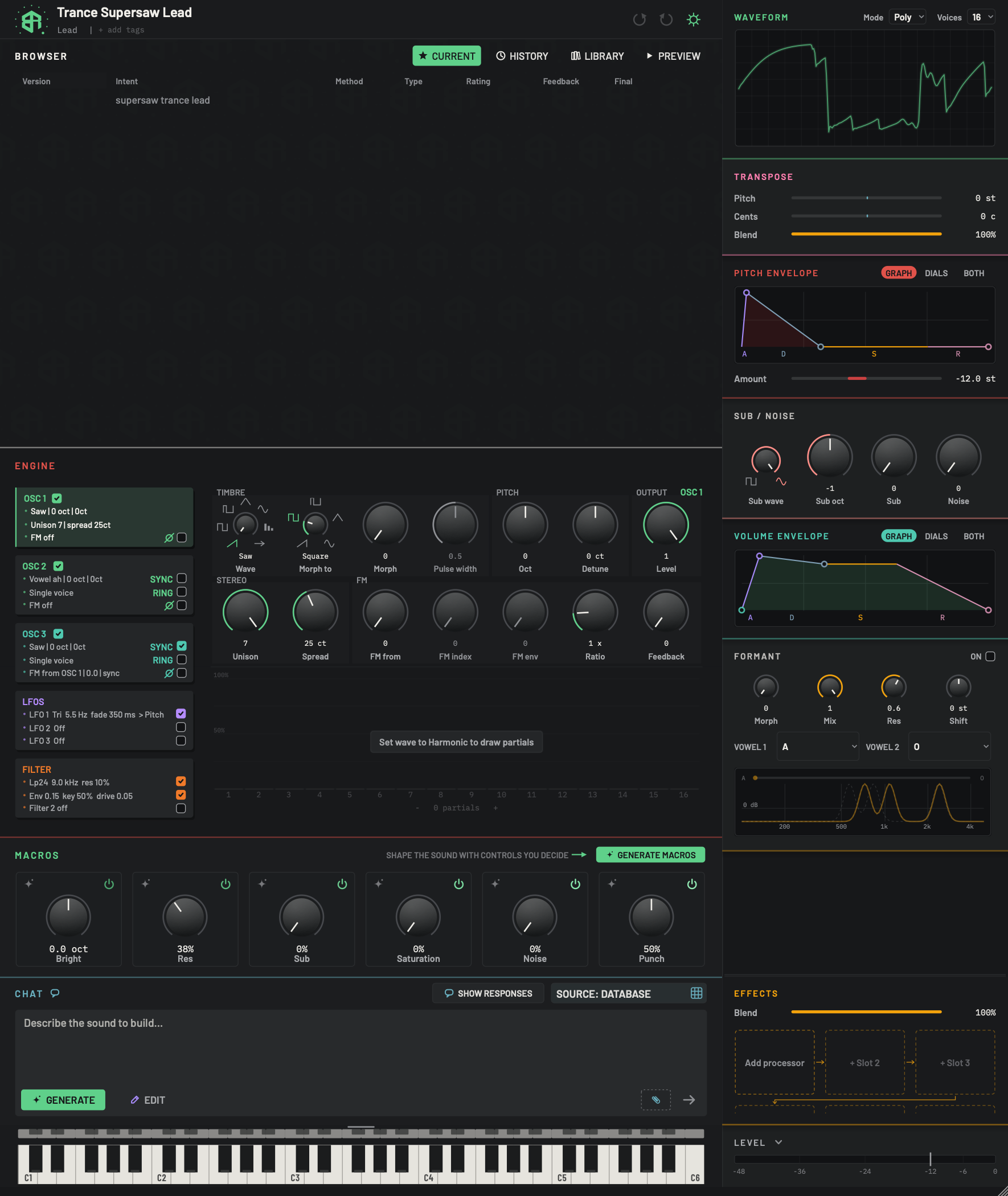 Engine: oscillators
The oscillator cards and dials in the ENGINE block: wave, morph, pitch, level, unison, FM, sync, ring, phase and the harmonics area.
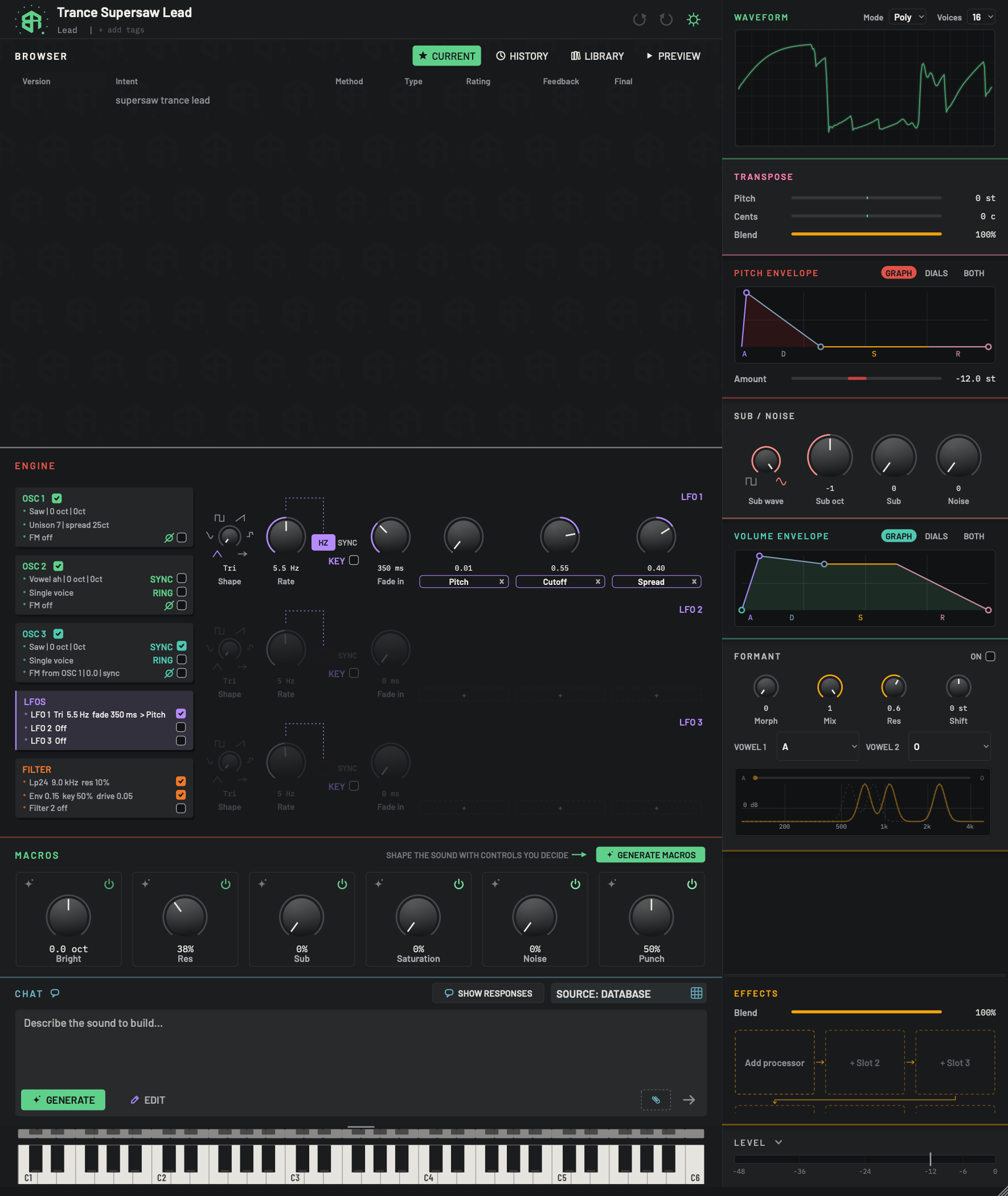 Engine: LFOs and modulation
The three LFOs, their shape, rate, fade in and destinations, and how a dial is linked to an LFO or a macro in the launch build.
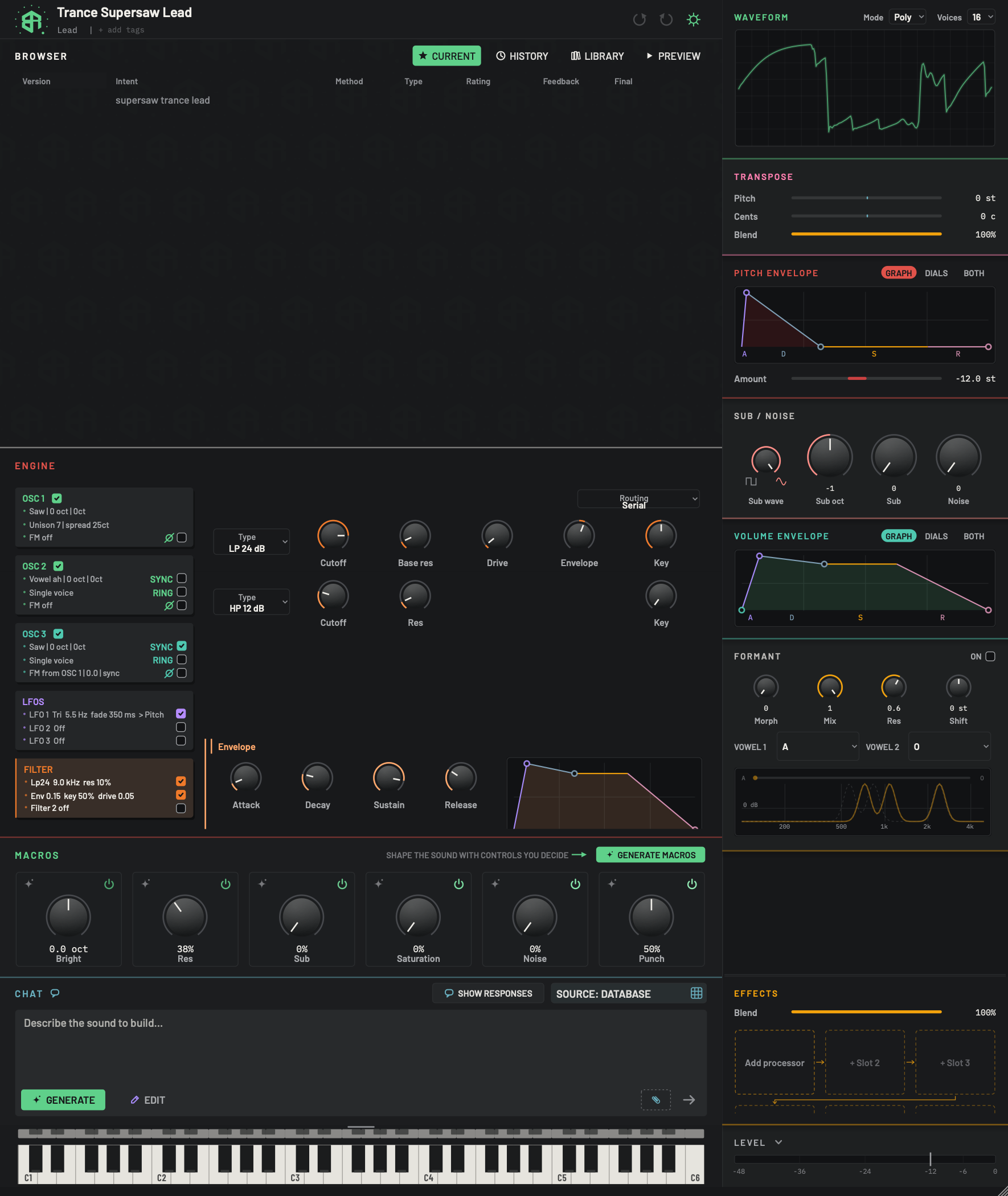 Engine: filters
The filter card and page: two filters, their types, cutoff, resonance, drive, envelope and key, the routing between them, and the filter envelope.
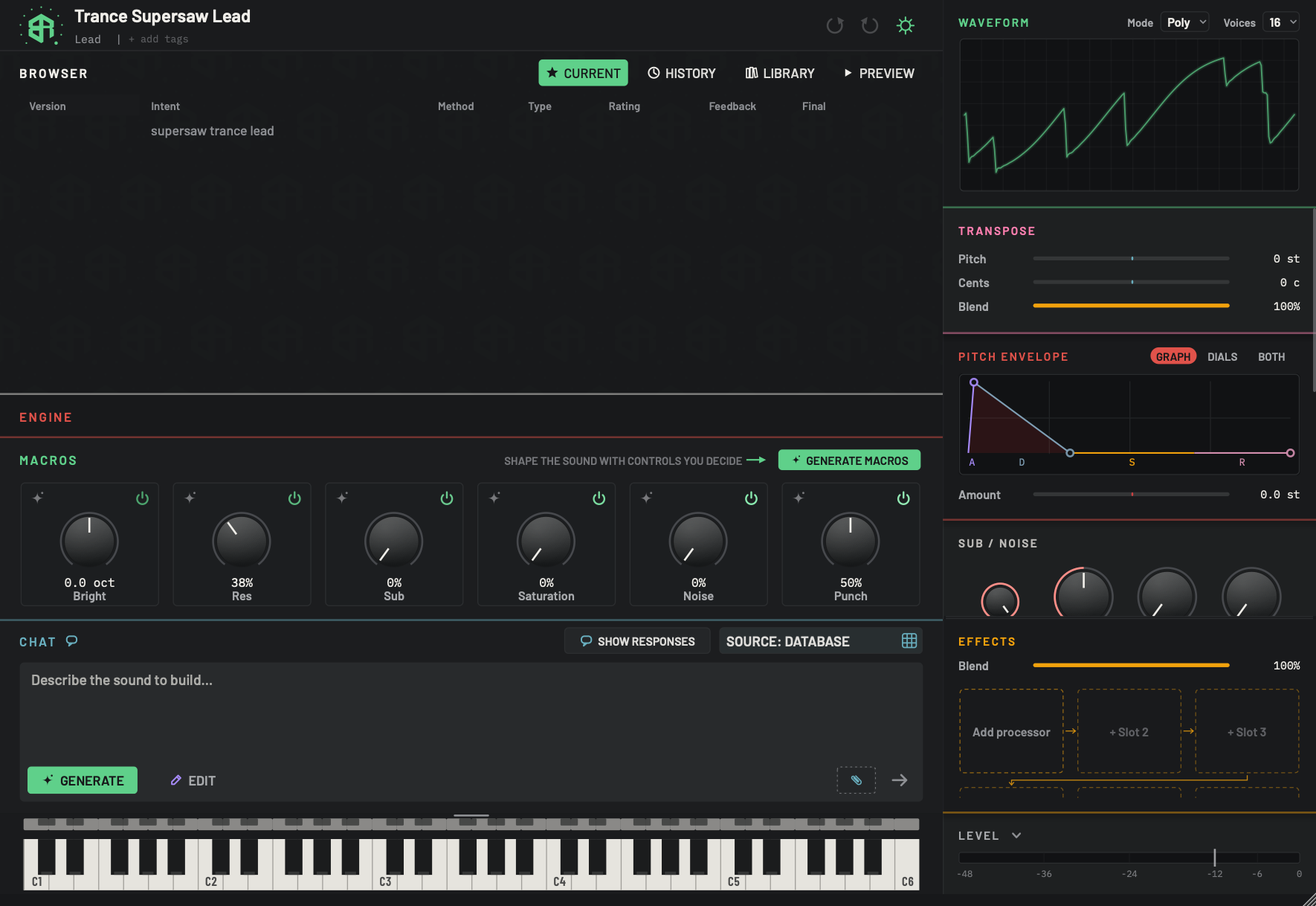 Macros
The MACROS block: what a macro is, asking for new ones, the six cards, switching one off or removing it, and the detail view with its links.
Waveform, mode and voices
The live waveform display at the top of the right-hand column, the Mode menu (Poly or Mono) and the Voices menu.
Transpose and the envelopes
Move the whole synth in pitch with Transpose, and shape the pitch sweep and the loudness of a note with the two envelopes.
Sub, noise and formant
Add a sub bass and noise under the sound, and shape it with vowel sounds using the formant filter.
Effects
Add, order, switch off and remove effects, open an effect's detail panel, and every effect with its controls, ranges and starting values.
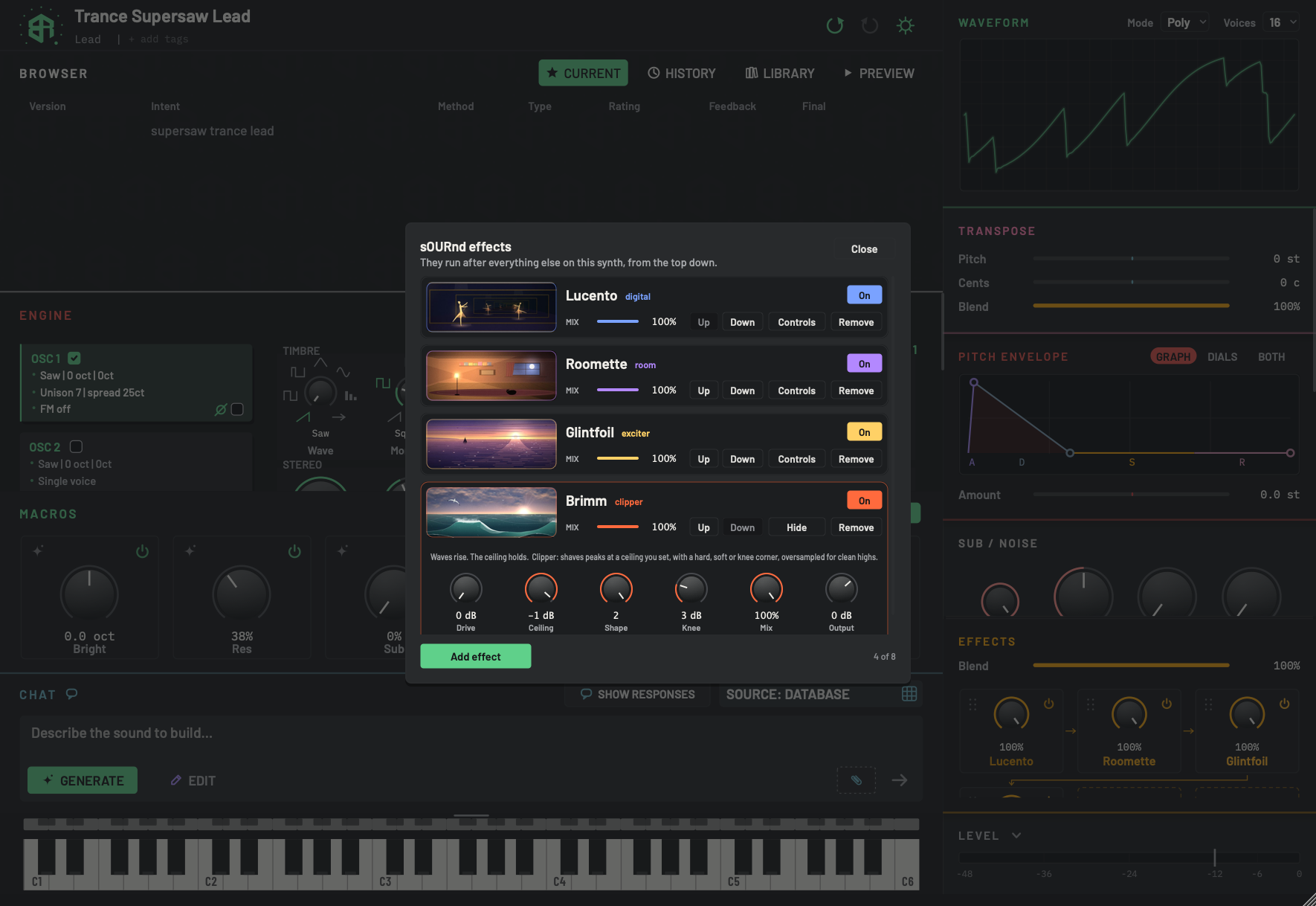 sOURnd effects
Add effects from sOURnd, our sister brand, to your synth: who can use them, the sheet line by line, and how they appear in the Effects block.
 Level
The level bar at the foot of the right-hand column, its fader, and the Gain, Limiter, Width and Output dials that open under it.
How dials, sliders and keys behave
Drag direction, fine adjust, reset, typing a value, the mouse wheel, right-click menus, read-outs, units and the coloured arcs, for every control in the app.
Settings
 Settings: Designer
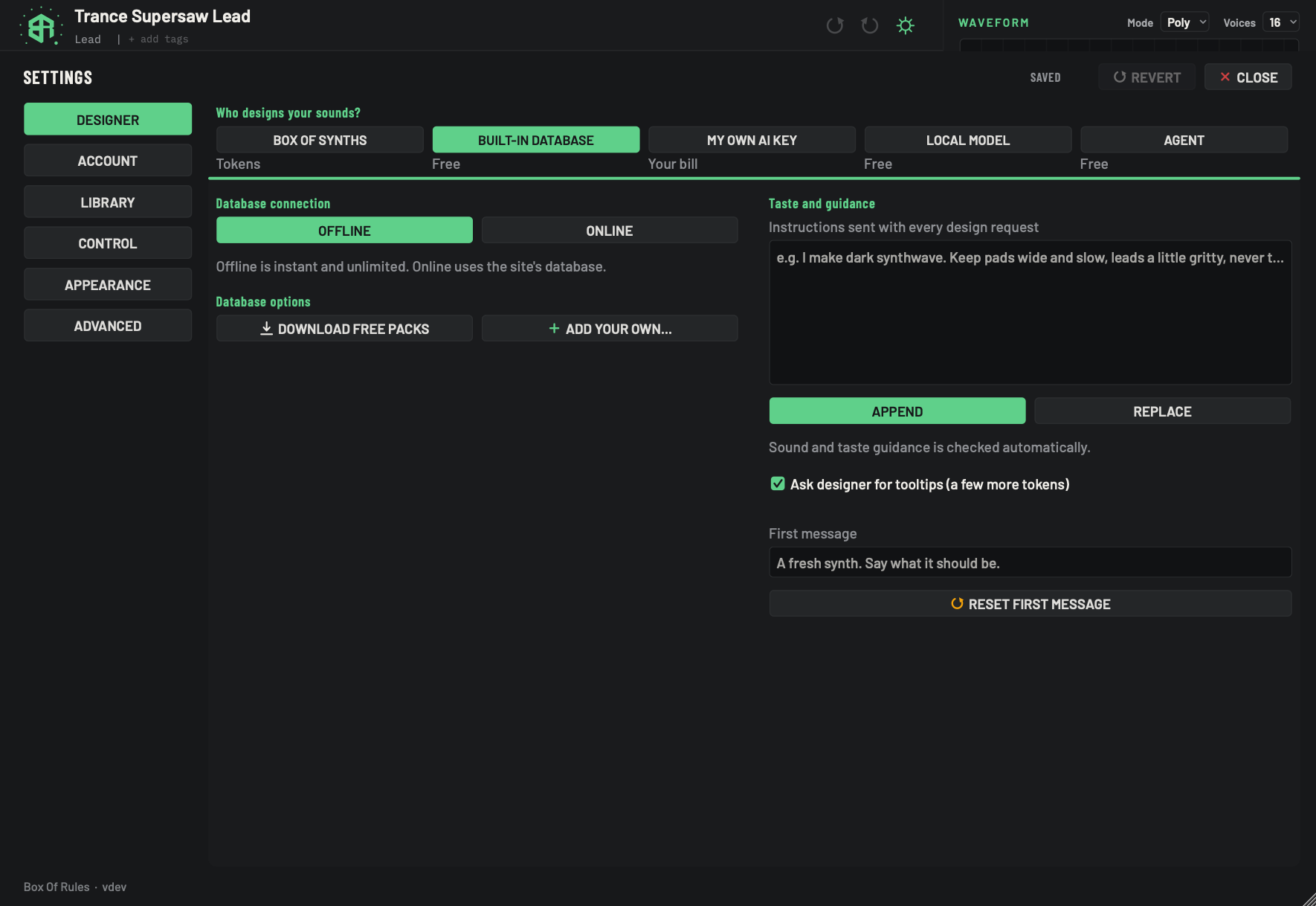
Choose who designs your sounds, where the database comes from, and the standing guidance sent with every request.
 Settings: Designer, source by source
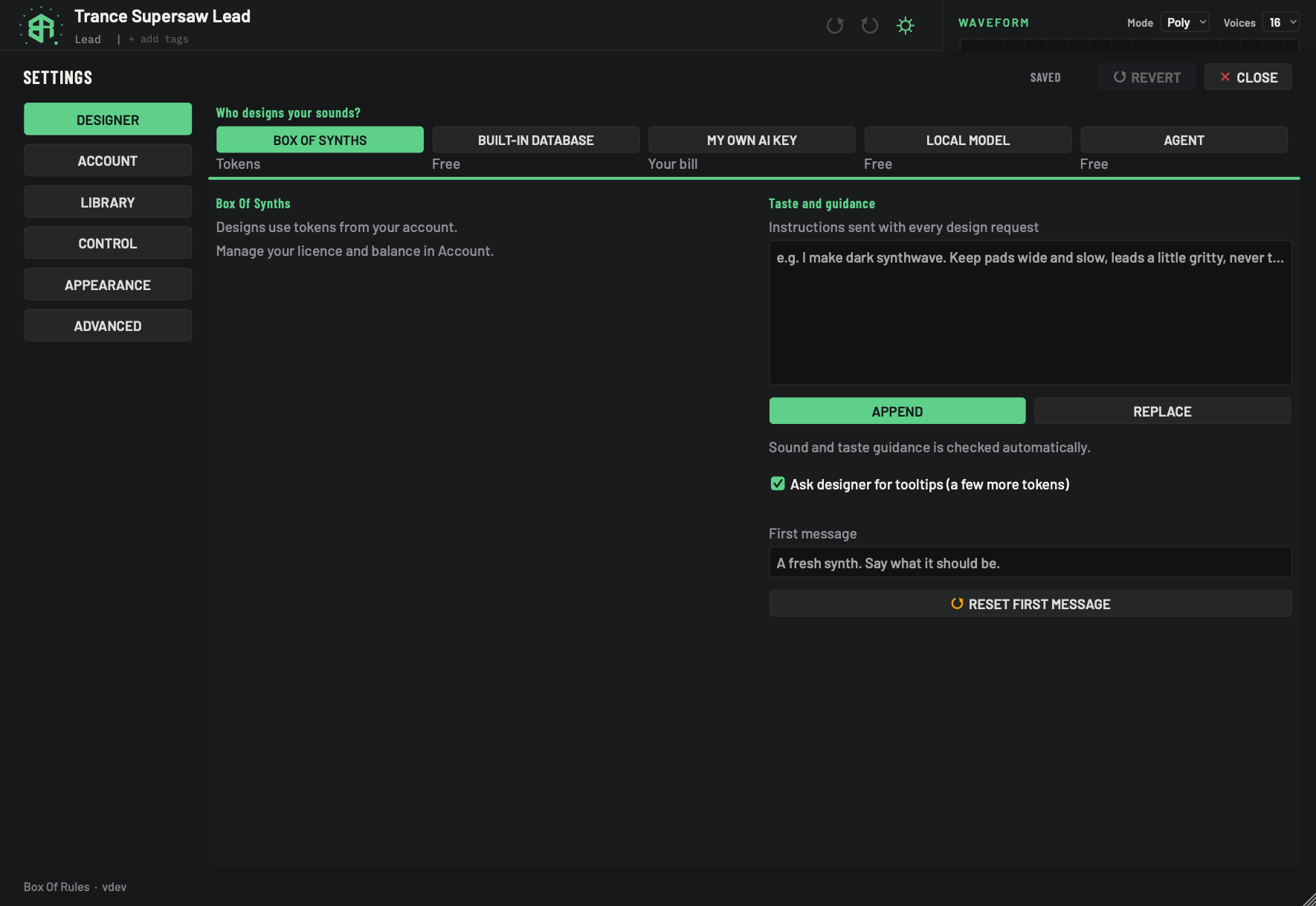
What the Designer tab shows for Box Of Synths tokens, your own AI key, a local model and an agent.
 Settings: Account and privacy
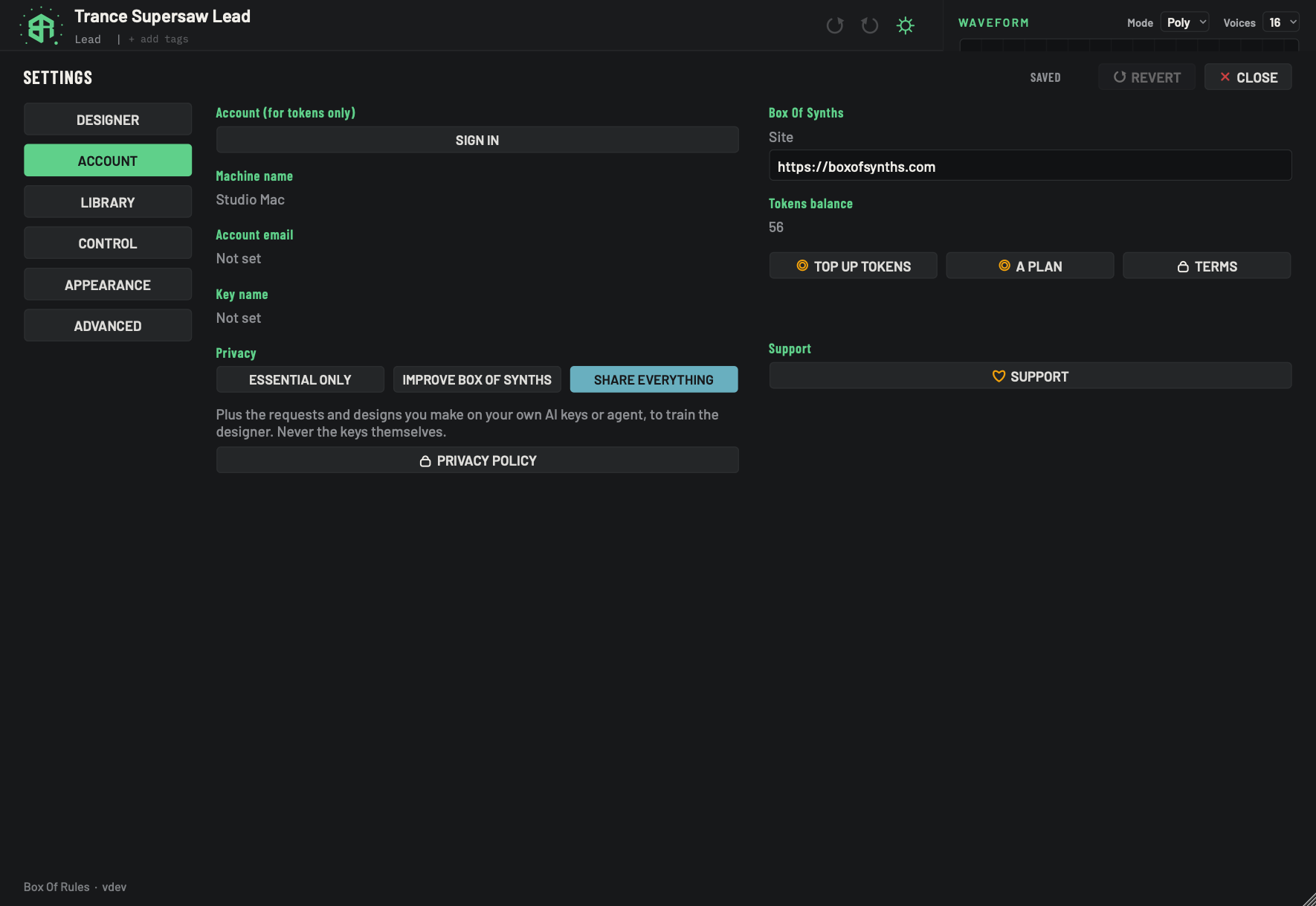
Sign in, see your tokens, choose how much you share, and find the site, terms and support links.
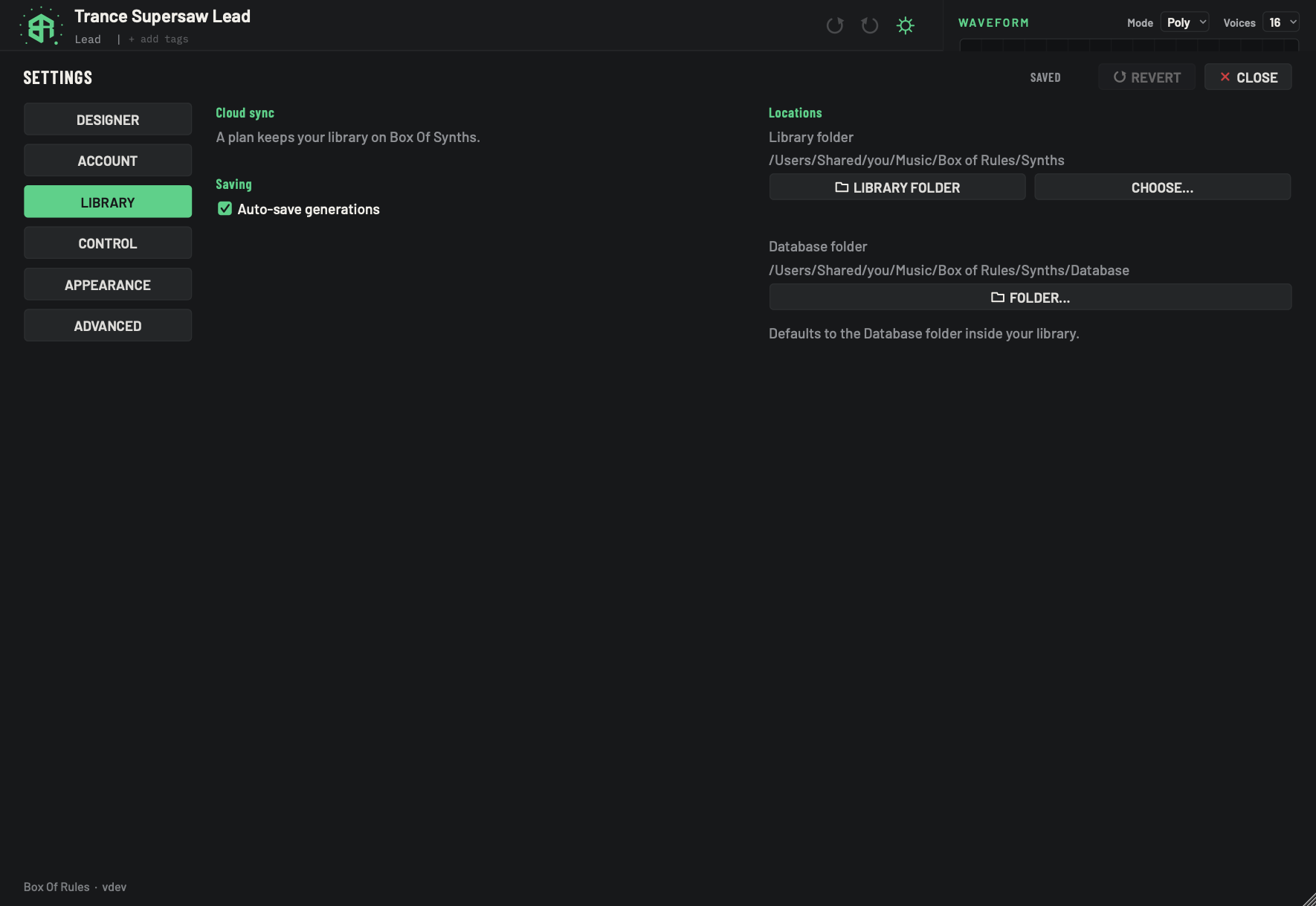 Settings: Library and folders
Keep your library on our site, switch auto-save on or off, and choose and understand the folders your sounds live in.
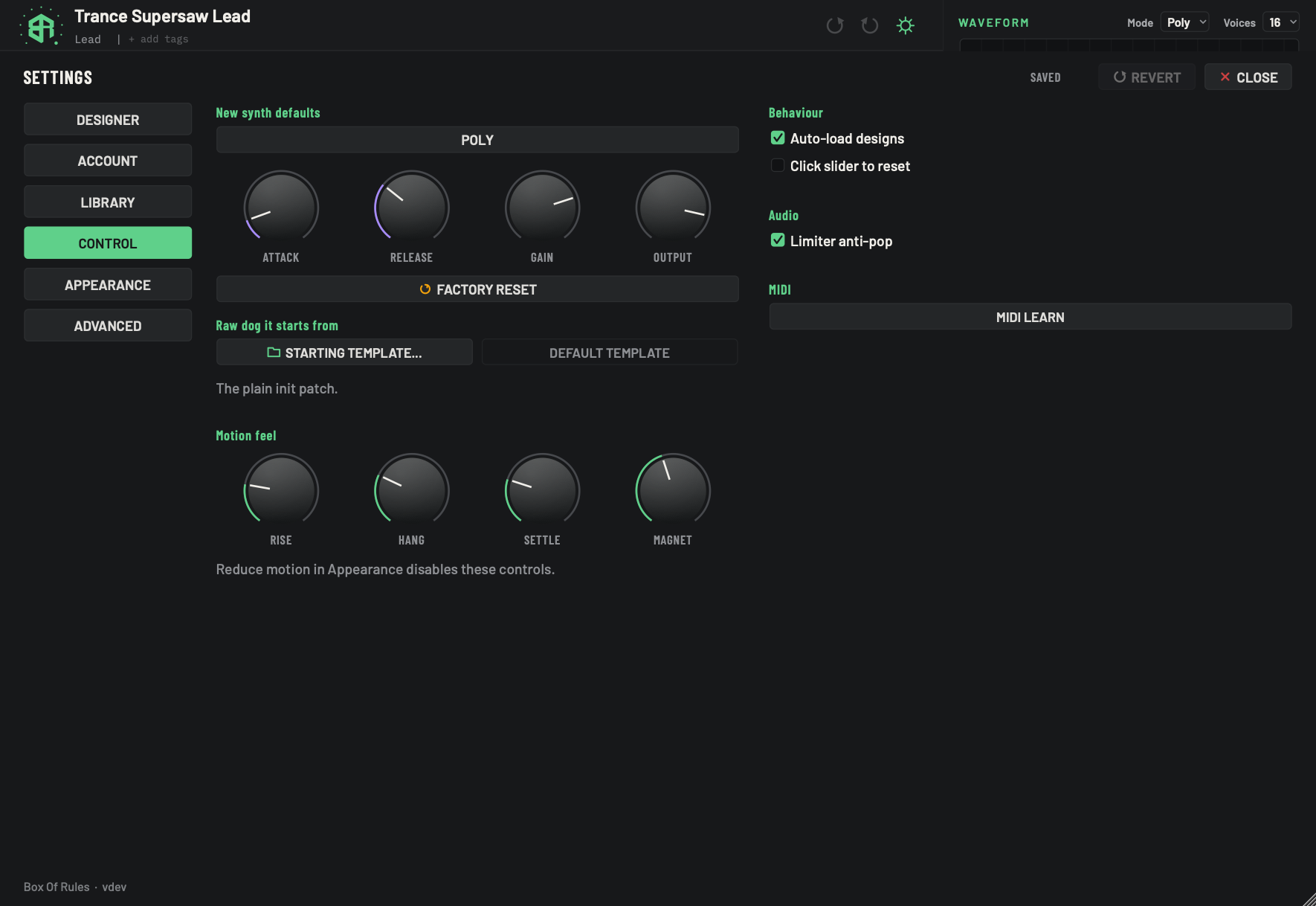 Settings: Control
How new synths start, what Raw dog it starts from, how the controls move, and how MIDI learn works.
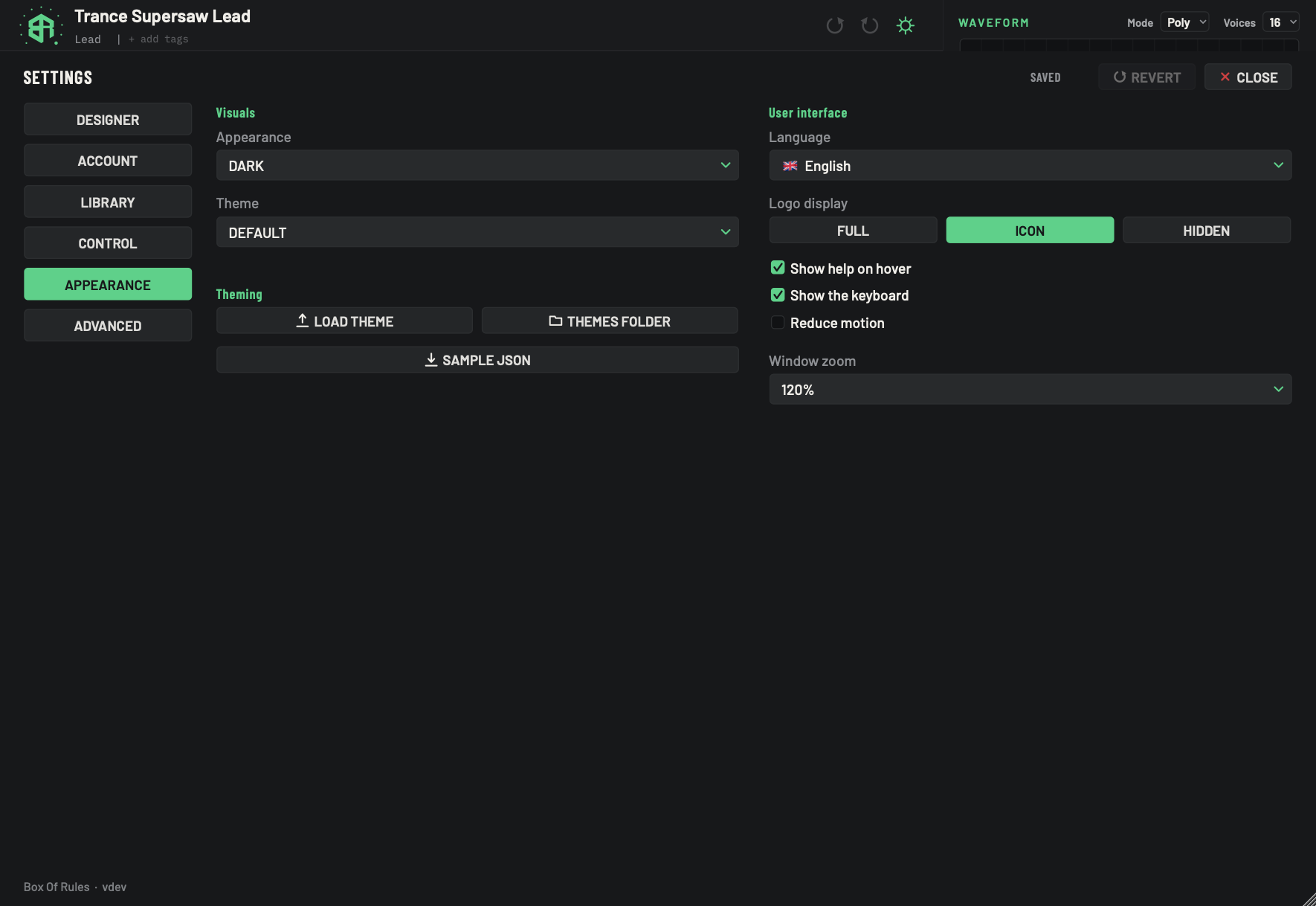 Settings: Appearance and themes
Choose dark, light or system, add your own colour themes, pick a language, and set the logo, hover help, keyboard, motion and window size.
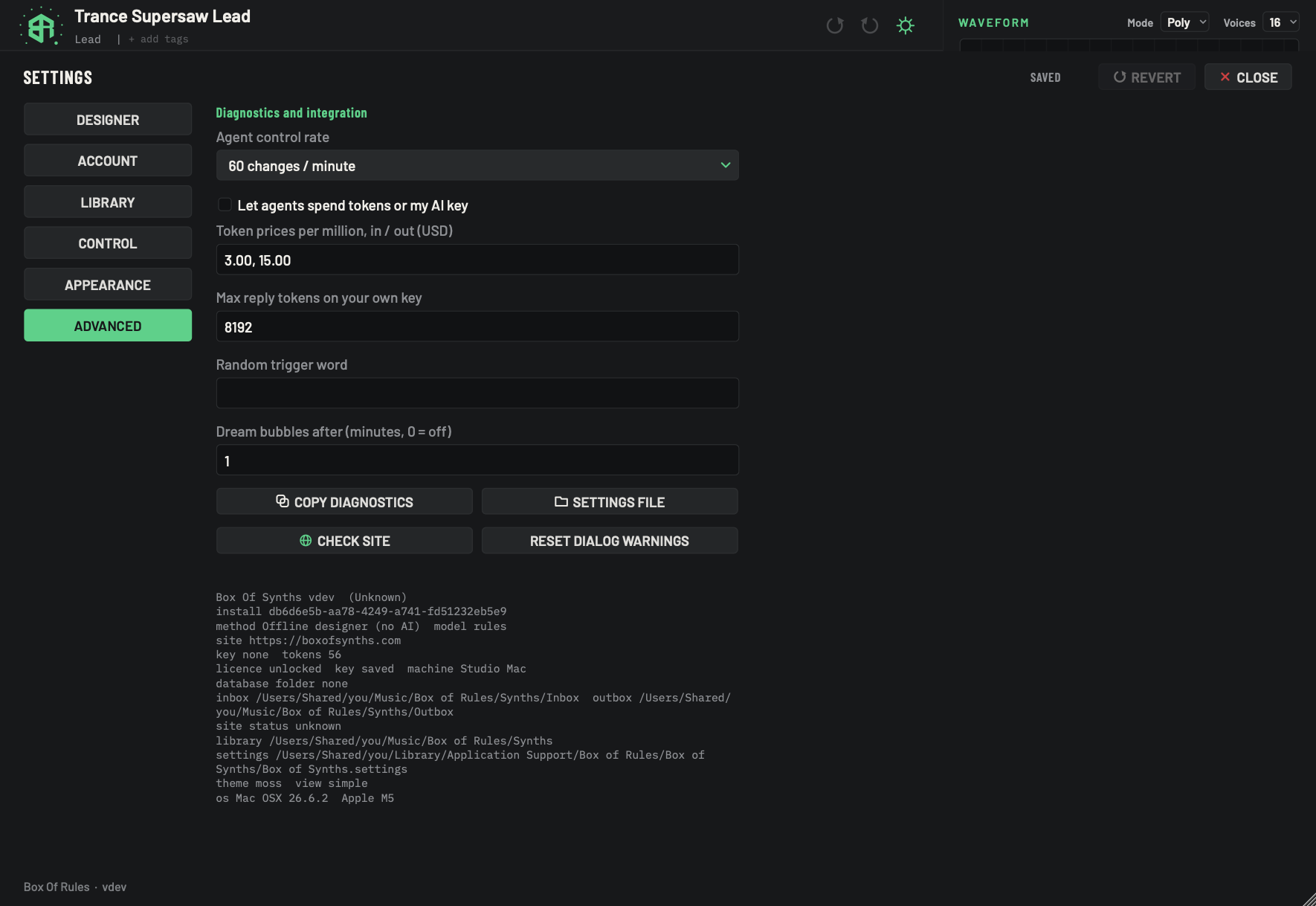 Settings: Advanced
Agent limits, own-key prices and caps, the random word, dream bubbles, diagnostics and the settings file.
 Agreements and confirmations
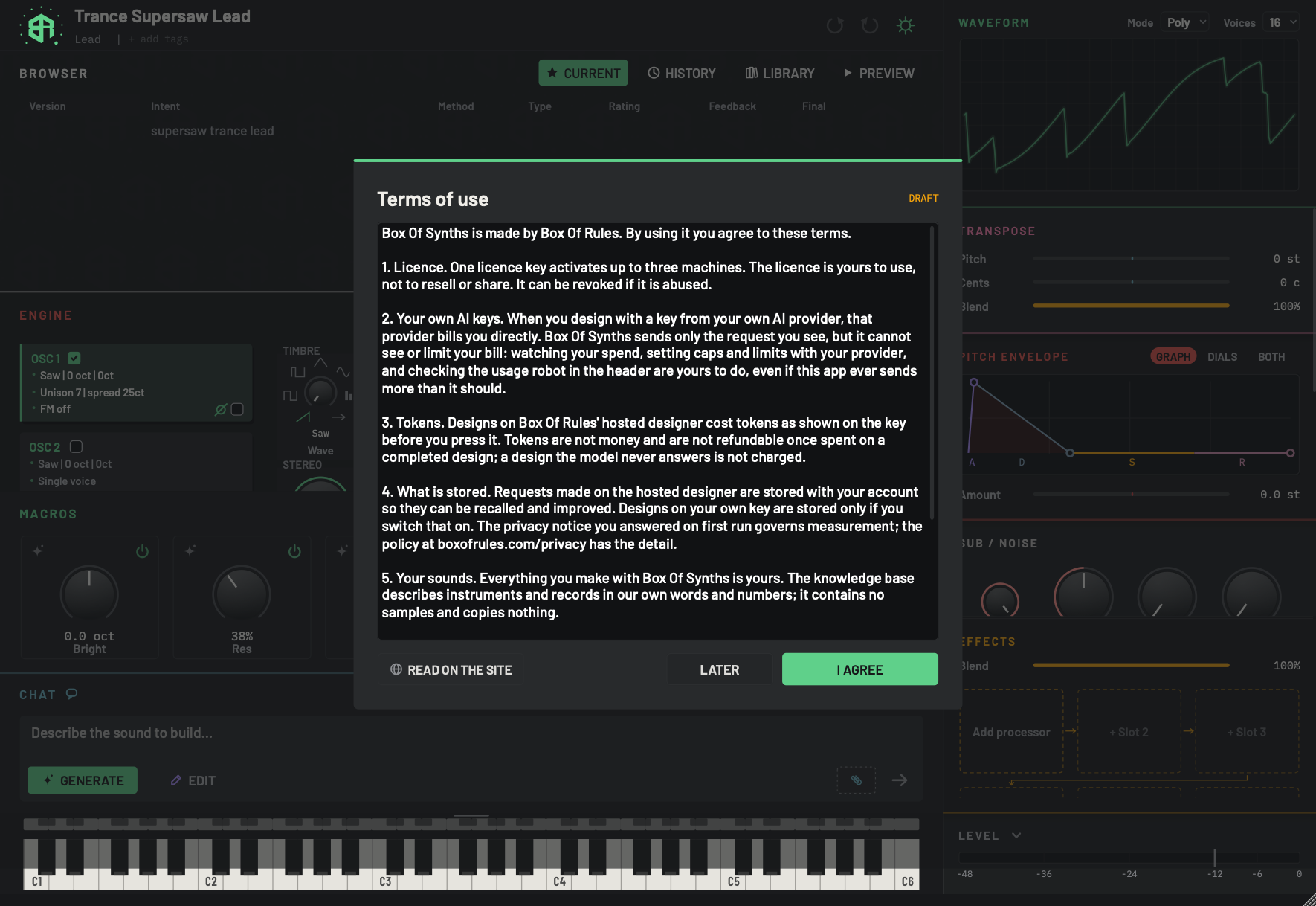
The agreements you are asked to accept, the first-run questions, and every "are you sure" card the app shows.
Reference
Every parameter
Every setting of a sound, grouped as the app groups them, with what it does, its range and unit, and the value a new sound starts with.
Every effect
What each of the fifteen effects does to the sound, its controls with range and default, and the order the sound passes through them.
Modulation sources and destinations
Everything that can move a dial for you, everything it can move, how deep a link can go, what a negative depth does, and the limits.
Messages and errors
The messages Box Of Synths shows on screen, grouped by where they appear, with what each one means and what to do.
Keys, clicks and gestures
Every keyboard shortcut, the keys that play notes from your computer keyboard, and every mouse gesture, with the Mac and Windows forms.
Files and folders
Where Box Of Synths keeps your sounds, chats, database, themes and settings on your computer, what each file is, and how to move or back up your library.
Glossary
The words you meet in the app and in this manual, each in a sentence or two, in alphabetical order.
Troubleshooting
Plain answers to the things that most often go wrong: no sound, a design that did not arrive, tokens, your own key, files and the look of the window.